

Inconvo x Assistant-UI
Integrate Inconvo with Assistant-UI.
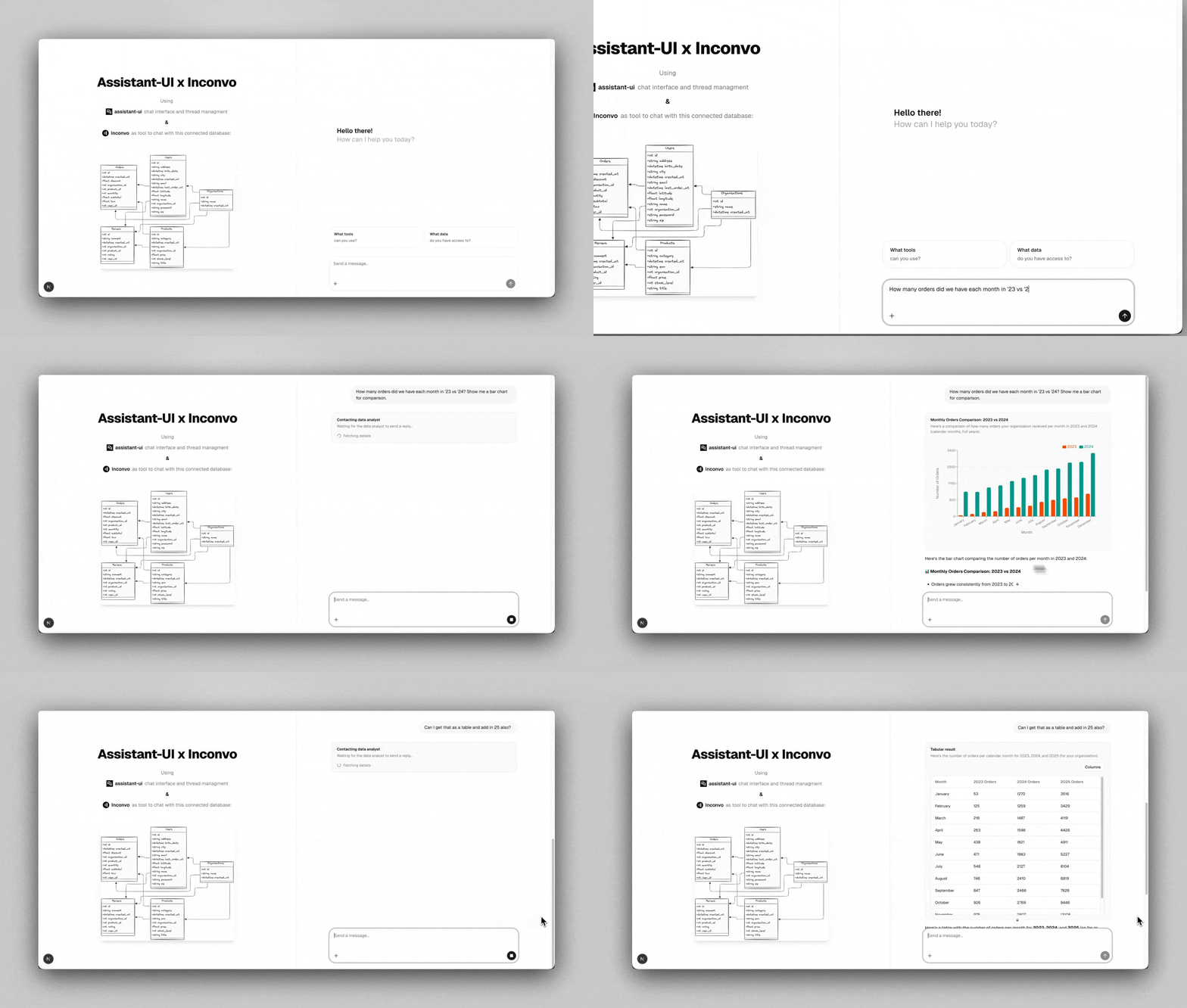
Integrate Inconvo with your assistant-ui powered in-app assistant.
Prerequisites
Section titled “Prerequisites”- An existing React app - If you don’t have one, you can run use
npx assistant-ui@latest createto create one. - Assistant-UI - Follow the Assistant-UI getting started guide to get set up.
- Free Inconvo Account - Sign up for Inconvo and create a free API key.
-
Connect your database
Section titled “Connect your database”To add a database connection, click on the connect button on the sidebar.
Fill out the fields for your database, and click Save at the bottom.
More details and a list of supported databases here
-
Add Inconvo tools to the AI-SDK backend
Section titled “Add Inconvo tools to the AI-SDK backend”Install tools
Terminal window npm i @inconvoai/node-ai-sdkAdd tools
import { openai } from "@ai-sdk/openai";import { frontendTools } from "@assistant-ui/react-ai-sdk";import { convertToModelMessages, stepCountIs, streamText } from "ai";import { inconvoTools } from "@inconvoai/node-ai-sdk";export const maxDuration = 30;export async function POST(req: Request) {const { messages, system, tools } = await req.json();// This is the tenant identifier// It tells inconvo what tenant filter to apply per request// Usually get this from the requestconst userContext = {organisationId: 1,};const result = streamText({model: openai("gpt-5-chat-latest"),messages: convertToModelMessages(messages),stopWhen: stepCountIs(5), // required - inconvo uses multi-tool calls.system,tools: {...frontendTools(tools),// add inconvo tools...inconvoTools({userContext,}),},});return result.toUIMessageStreamResponse();} -
Add inconvo tool output components
Section titled “Add inconvo tool output components”Terminal window npx inconvo add assistant-ui-tool-componentsThis adds the following components at
/src/components/assistant-ui/toolswhich are used to render outputs ofinconvoToolssrc/└── components/└── assistant-ui/└── tools/├── inconvo-chart-colors.ts├── inconvo-chart.tsx├── inconvo-data-table.tsx├── inconvo-hidden-tools.tsx├── inconvo-tools.tsx└── message-data-analyst-tool.tsx
Resources
Section titled “Resources”Demo Video
Section titled “Demo Video”Source Code
Section titled “Source Code” Assistant UI + Inconvo Integration See the source code.